Node type
Text
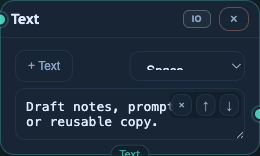
Use a Text node for fixed copy, notes, reusable prompt fragments, or manually curated text inputs. It can combine connected text inputs with its own fields, and it can output either joined text or an array when configured that way.
v0.8 Reference
This reference covers the node types available from the editor toolbar in v0.8. Connector dots on the left accept inputs; output dots on the right expose a node's result to downstream nodes.
Node type
Use a Text node for fixed copy, notes, reusable prompt fragments, or manually curated text inputs. It can combine connected text inputs with its own fields, and it can output either joined text or an array when configured that way.
Node type
Use an Image node to hold uploaded or connected image assets. It is a source node for image workflows, and it can also collect image outputs from generation nodes for review or reuse.
Node type
Use a Video node to hold uploaded or connected video assets. It gives agent and script workflows a stable video input and lets downstream nodes reference video content through the video connector type.
Node type
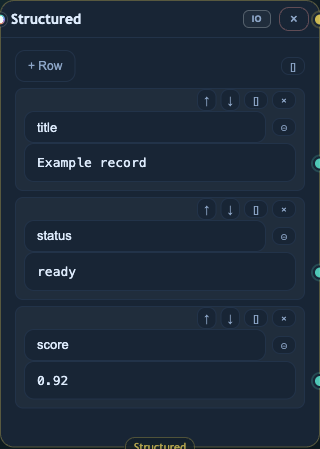
Use a Structured node to build JSON-like records from text, media, or structured inputs. Each row becomes a named field, and rows can expose individual field outputs as well as a structured object output.
Node type
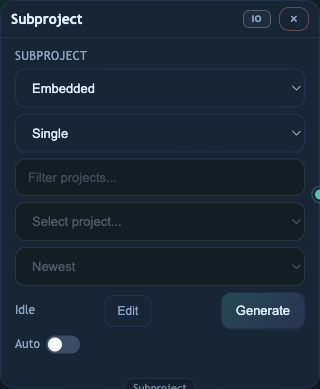
Use a Subproject node to run another graph inside the current graph. It can embed a local graph or reference another project, map project input and output roles, and run once or iterate over input arrays.
Node type
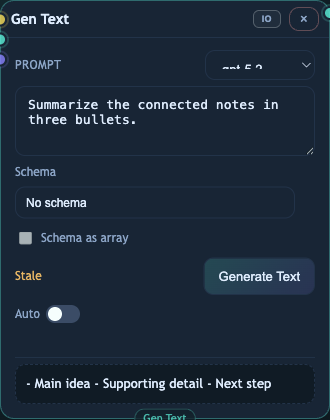
Use a Gen Text node to call a text model with a prompt plus connected text, image, or structured inputs. It can return plain text, or structured JSON when a schema is selected; when Schema as array is enabled, its output is treated as an array.
Node type
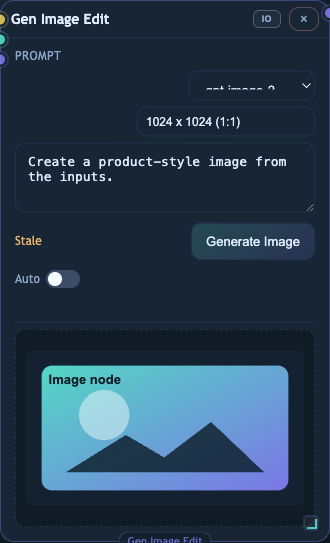
Use a Gen Image Edit node for OpenAI image generation and editing. It accepts text prompts, image references, and structured inputs, then outputs an image using the selected image model and size settings.
Node type
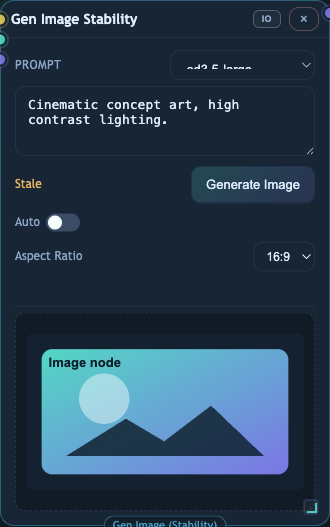
Use a Gen Image Stability node to generate or transform images through Stability AI. It accepts text, one image input, and structured context, with aspect-ratio controls for the generated result.
Node type
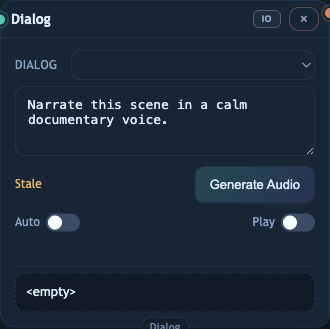
Use a Dialog node to generate spoken audio from text. It accepts text input, lets you choose a voice, and outputs an audio asset that can be previewed or passed to downstream nodes.
Node type
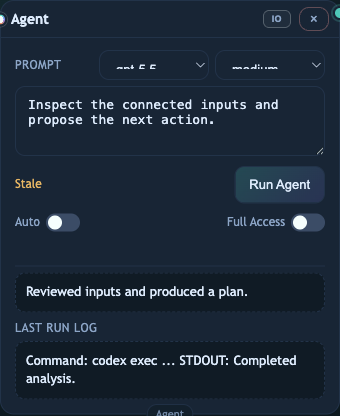
Use an Agent node when a task needs Codex-style reasoning over connected text, image, audio, video, or structured inputs. It runs with a selected model and reasoning effort, then returns the agent's final text output.
Node type
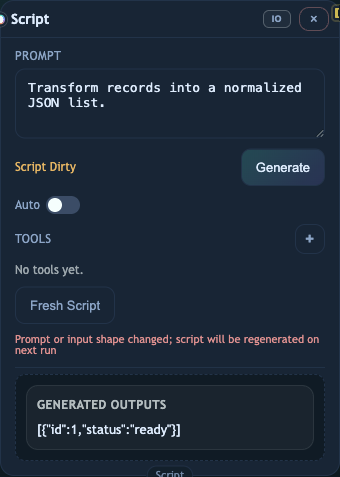
Use a Script node for generated, repairable code steps inside a graph. It can infer input shape from connected data, generate a script bundle, run or repair that bundle, and expose declared text, media, or structured outputs.